Customer logos, redrawn as clean vectors
Send us the low-resolution JPG your customer emailed. Get back a clean, editable vector you can print, cut, screen print or send to your digitizer.
Everything your prepress needs
Three simple steps
- 1
Upload the logo, sketch or photo your customer sent and tell us how it will be used.
- 2
A designer redraws it as clean vector paths and checks small text, colours and fine lines.
- 3
Download AI, EPS, PDF, SVG and PNG. Need a change? Ask for a revision.
Examples of our work
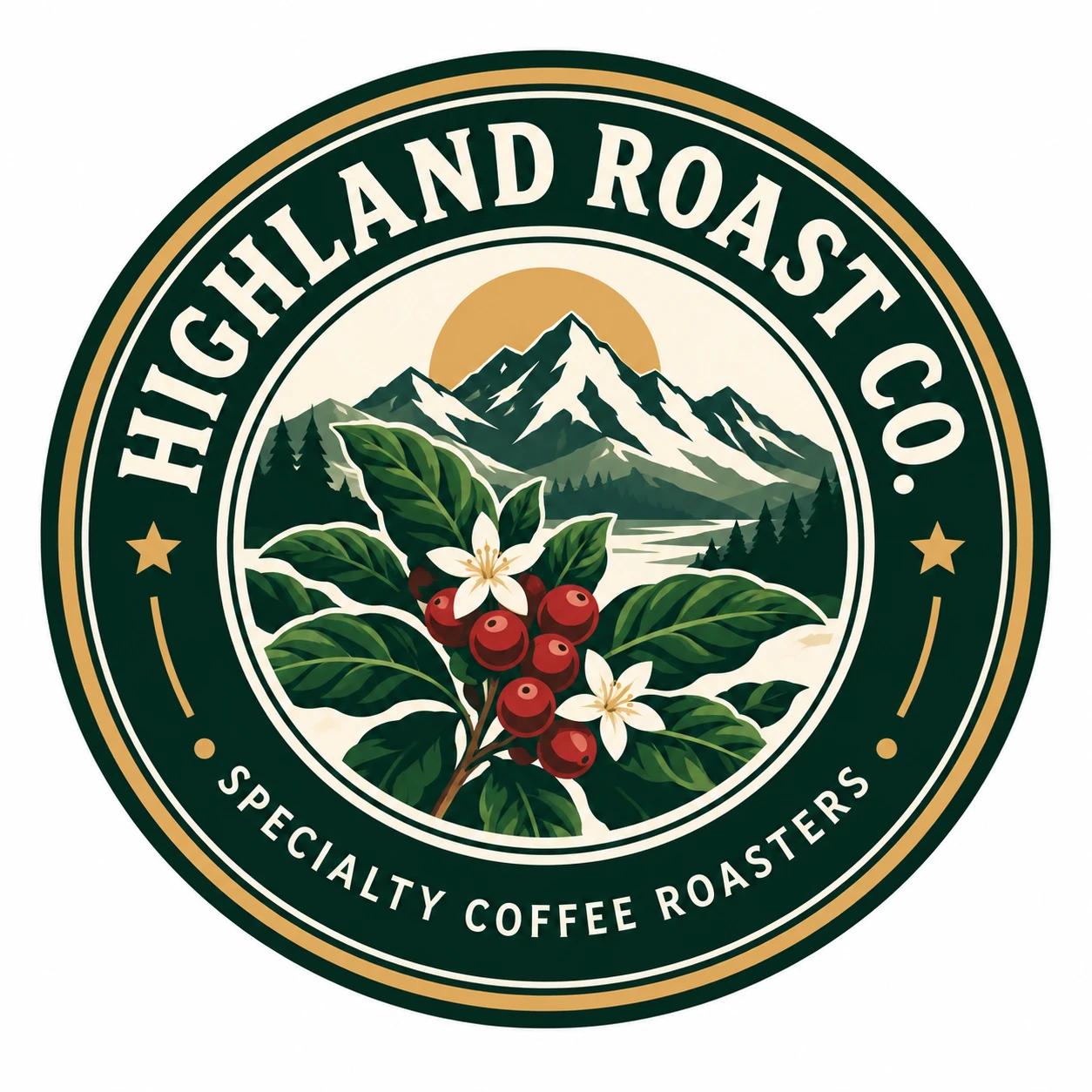
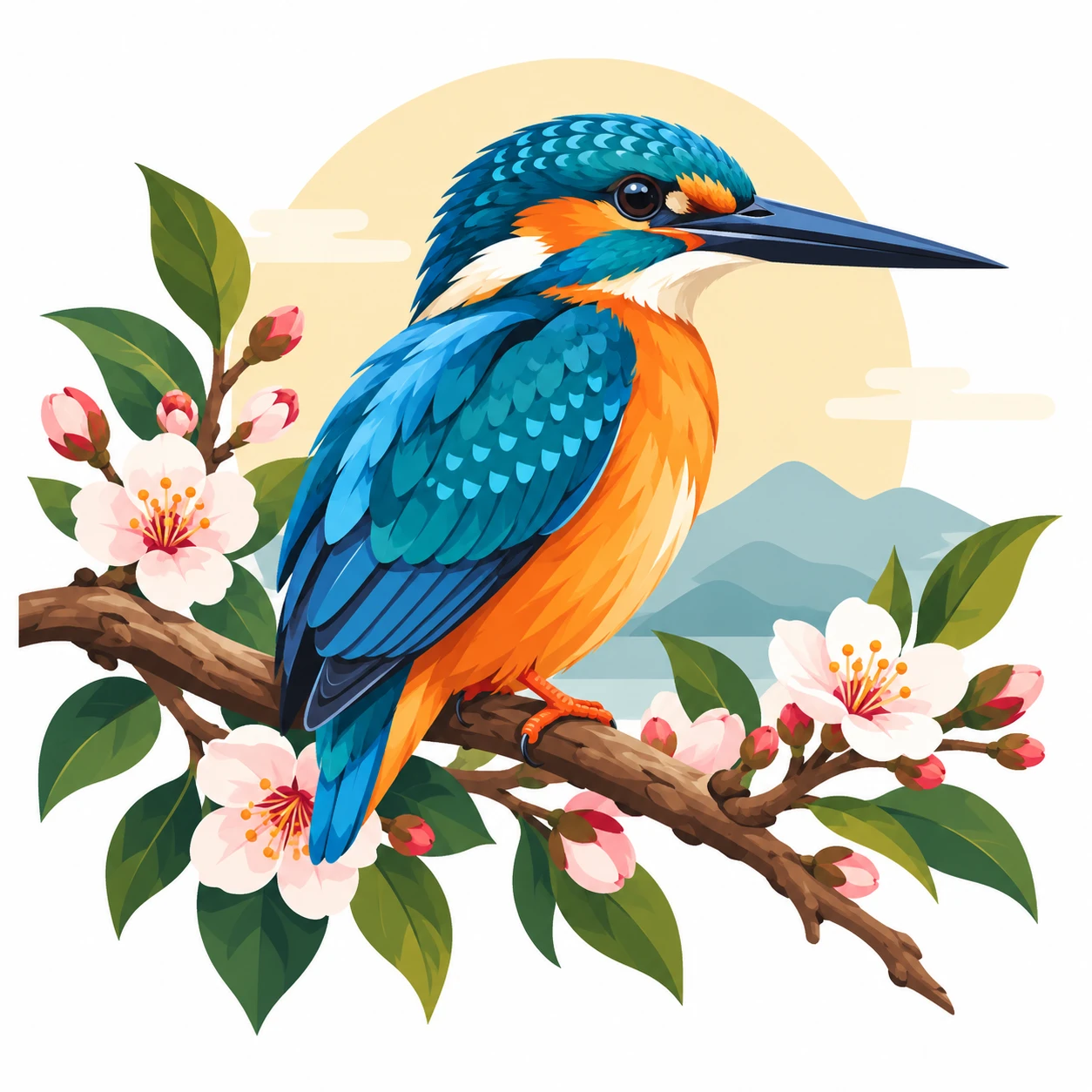
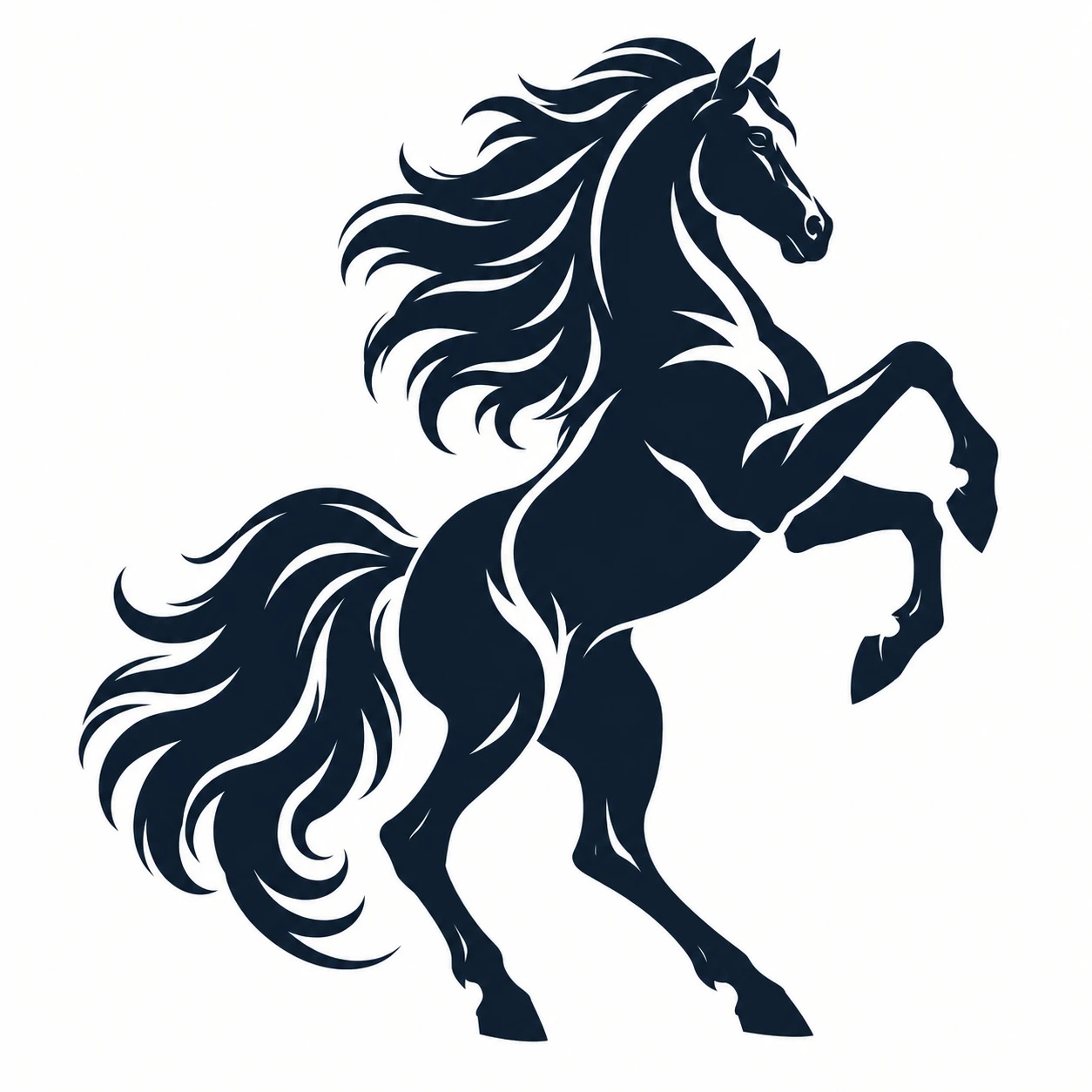
Good to know
Which file formats do I get?
Vector tracing orders include AI, EPS, PDF, SVG and a high-resolution PNG, so the file works in Illustrator, CorelDRAW, your RIP software and cutter software.
Can you prepare logos for embroidery?
We deliver a clean vector, which is what an embroidery digitizer starts from. The stitch file itself (DST, PES) is made by your digitizer.
Do you handle regular or bulk work?
Yes. If you send customer logos every week, email hello@allthingsvector.com and we’ll agree a volume rate and a simple way to send files.
When should I use the AI Vectorizer instead?
For clean logos with flat colours, the AI Vectorizer is instant. For blurry, tiny, photographed or hand-drawn artwork, a hand redraw gives a much cleaner result.
Got a blurry logo on your desk right now?
Not quite you? I make with a laser or Cricut · I need a logo for my business · I need artwork for products