From idea to cut file, without the fight
Turn a picture into a clean cut file, put a name on a design, fix an SVG that won’t import, or pick a ready-made design. All in your browser.
Your maker toolbox
Three simple steps
- 1
Upload a picture or pick a design.
- 2
Choose your machine, material and size. The studio checks thin parts and loose pieces.
- 3
Download SVG, DXF or PDF ready for Glowforge, xTool, LightBurn, Cricut or Silhouette.
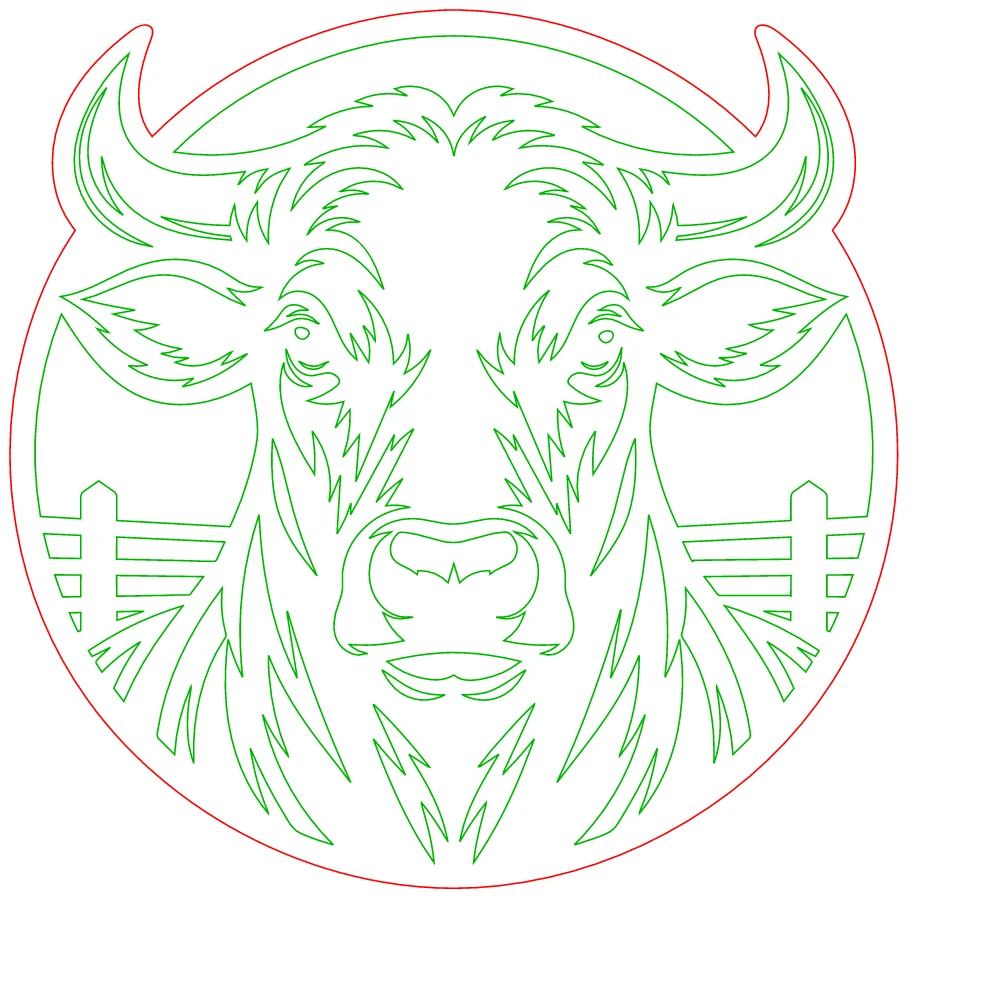
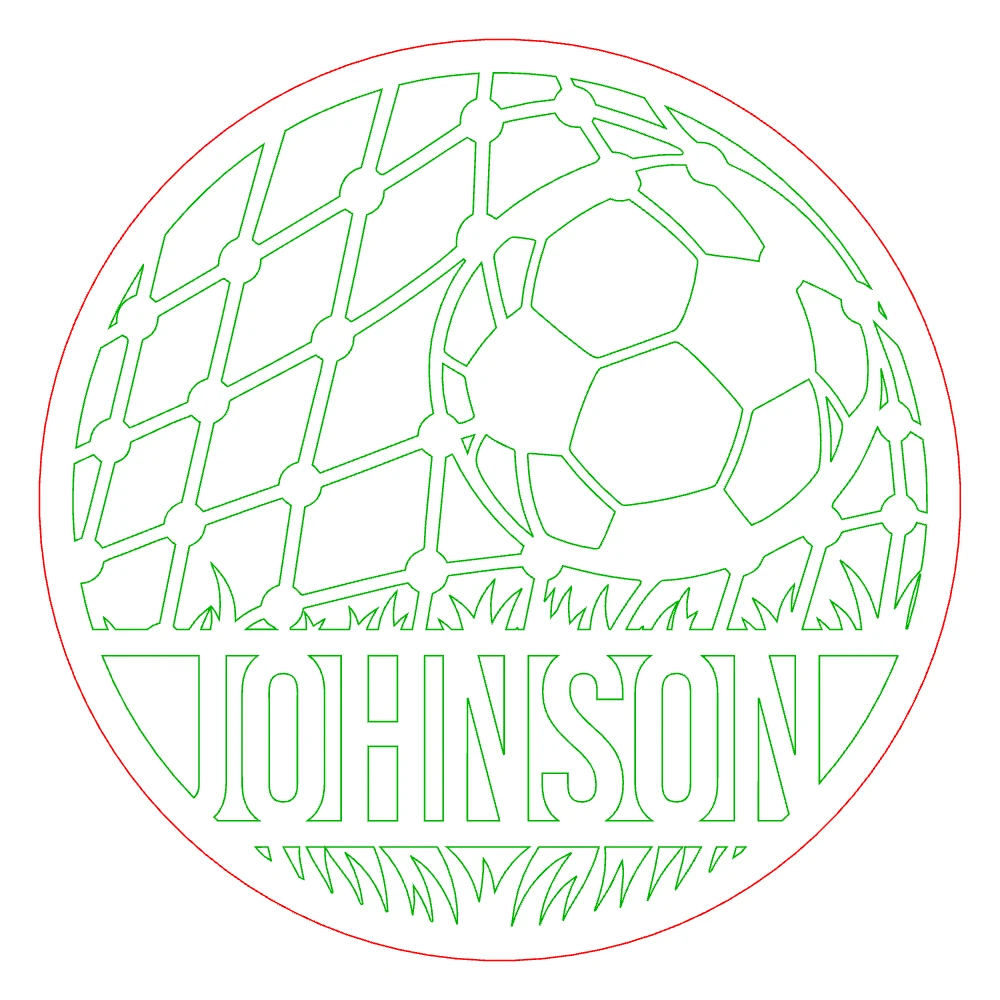
Examples of our work
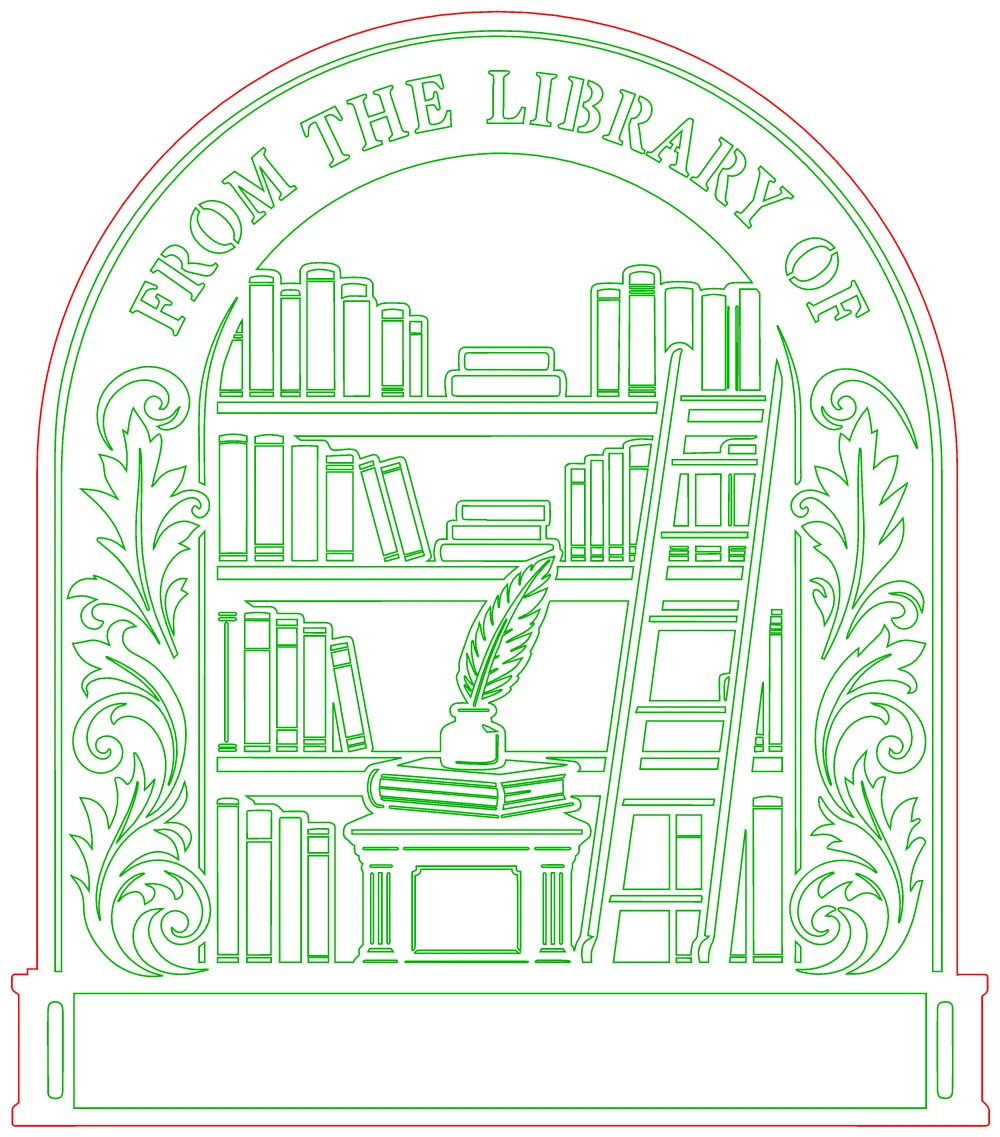
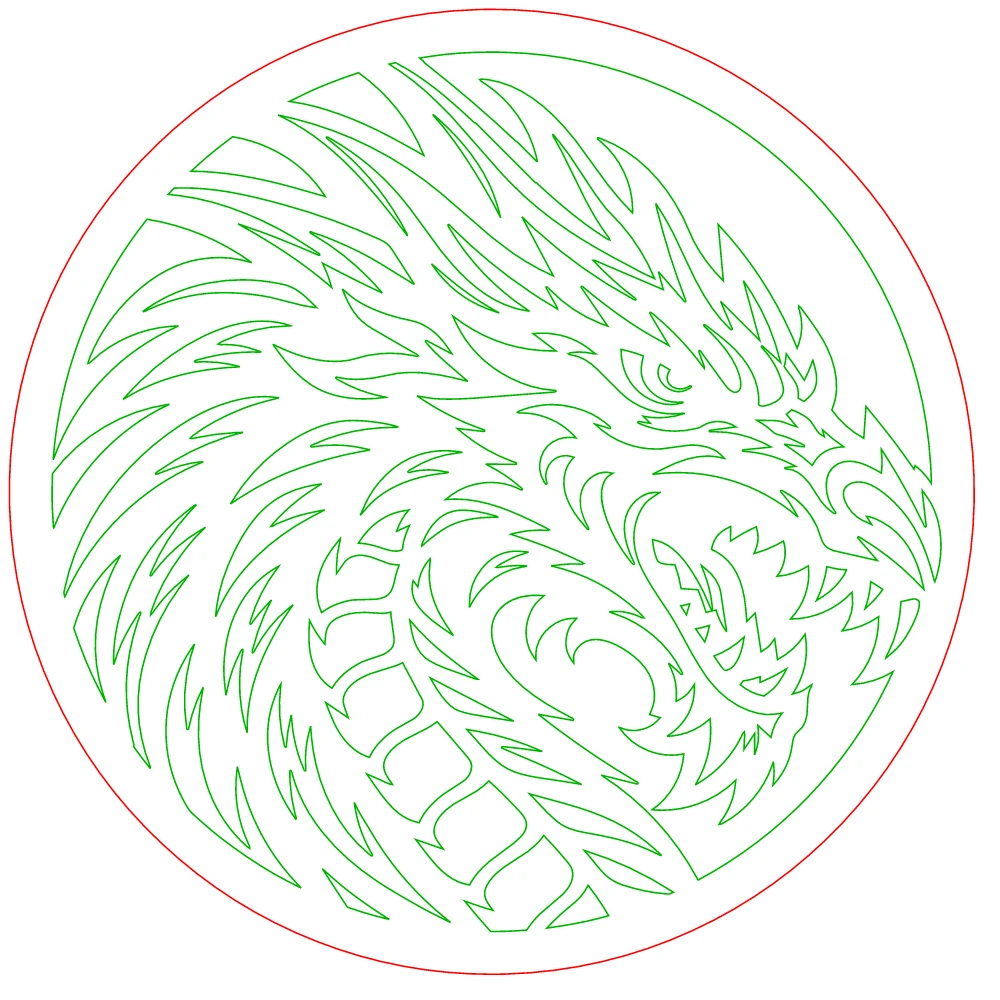
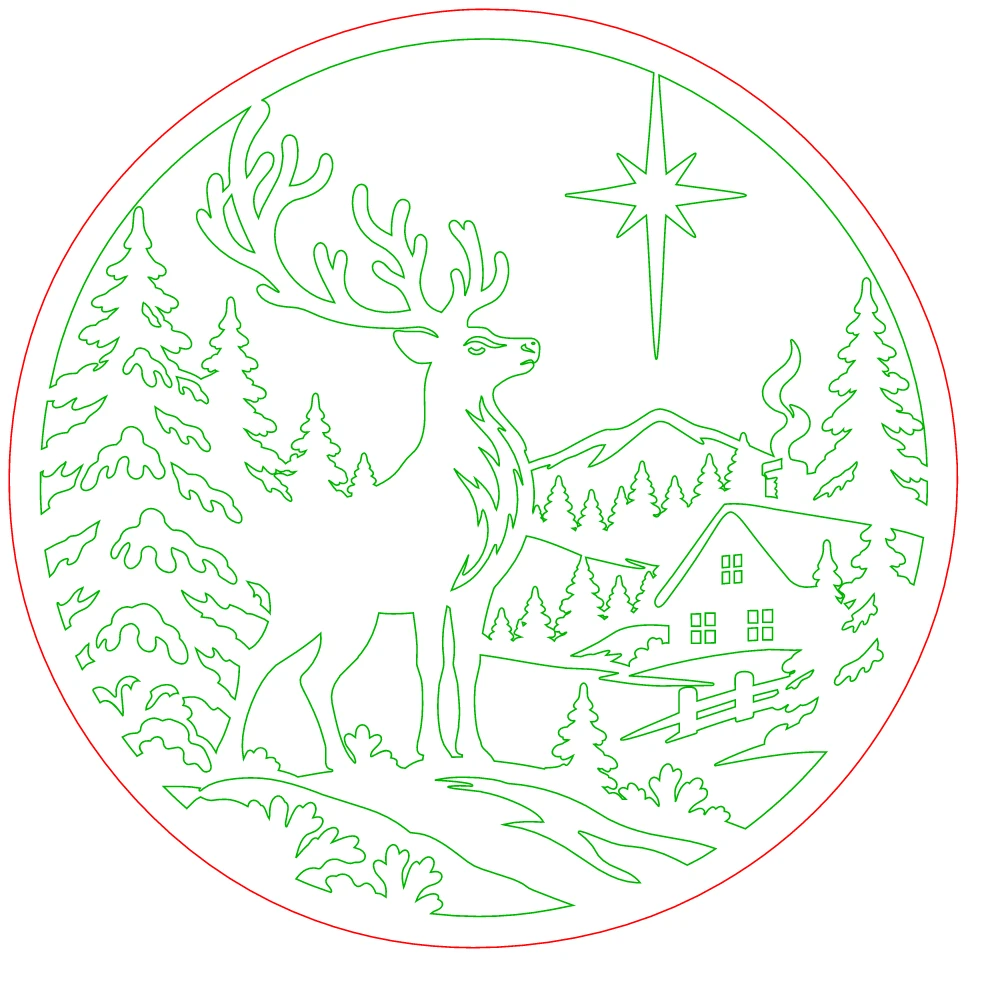
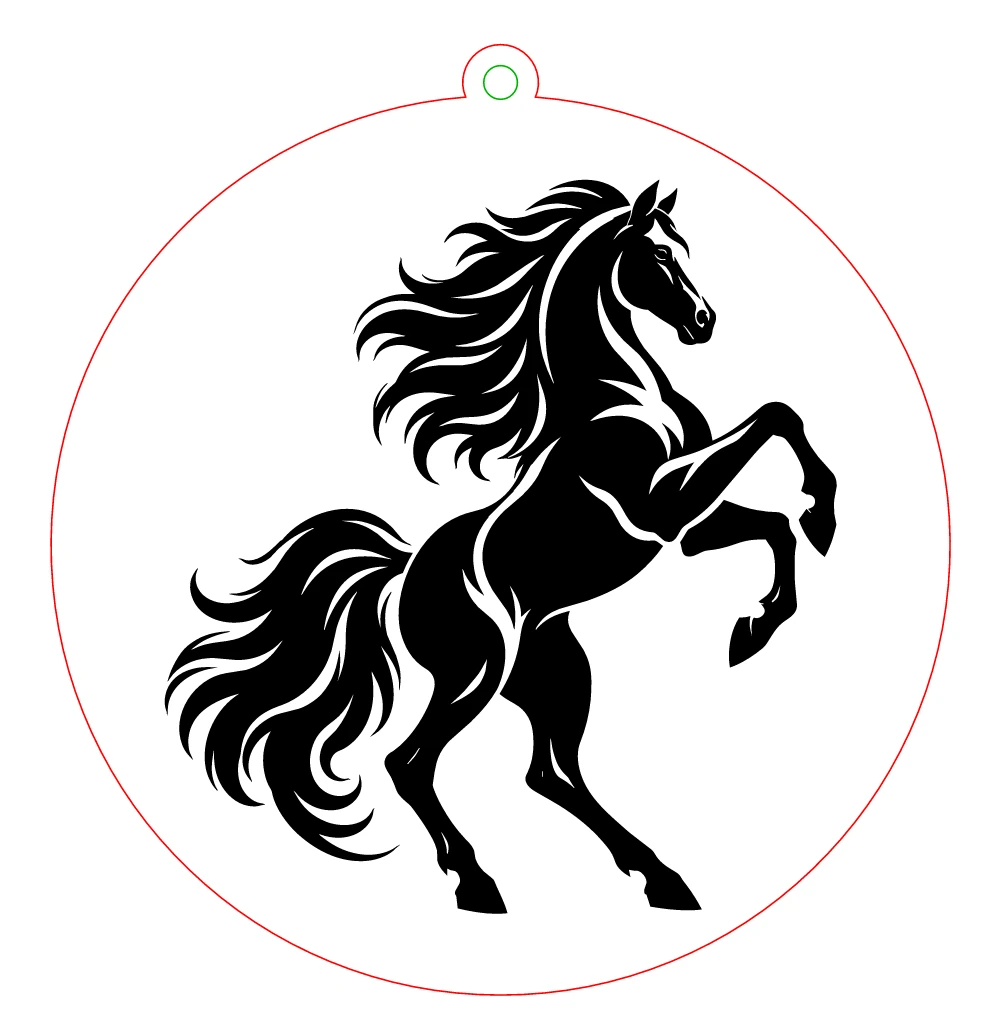
Good to know
Which machines does it work with?
Files are standard SVG, DXF and PDF at real size, so they work with Glowforge, xTool, LightBurn, Cricut Design Space, Silhouette Studio and most laser and CNC software.
Is it free?
The free tools are free. Laser Cut Studio gives 5 free downloads with a confirmed account; the Maker plan makes them unlimited. See pricing for details.
My SVG shows as a black square in Design Space. Can you help?
Yes: the free SVG fixer repairs the usual causes. See the guide on SVGs turning black in Design Space.
What will you make this weekend?
Not quite you? I run a print, sign or embroidery shop · I need a logo for my business · I need artwork for products